Spinfall
Spin the maze. Multiply the balls. Fill the cup.
A ball-maze puzzle that starts as a toy and turns into a brain-teaser. 300 levels, 15 worlds, one finger.
Three moves, one finger
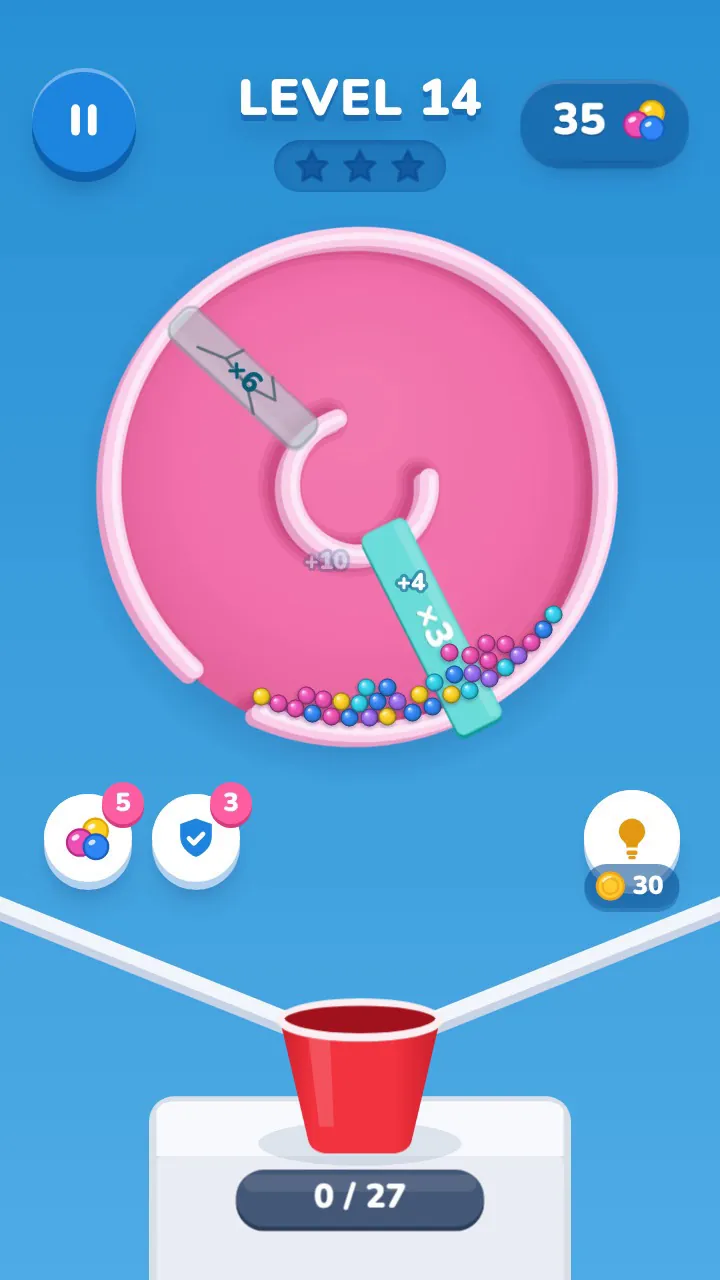
Drag to turn the maze. Let the balls roll. Count them into the cup.
Spin
Drag around the maze to turn it. Balls fall through the gaps as they line up.
Multiply
Gates like x2 and x3 clone every ball that rolls through. Plus gates add balls.
Fill
Get enough balls into the cup to reach the line. More balls, more stars.
Give it a spin
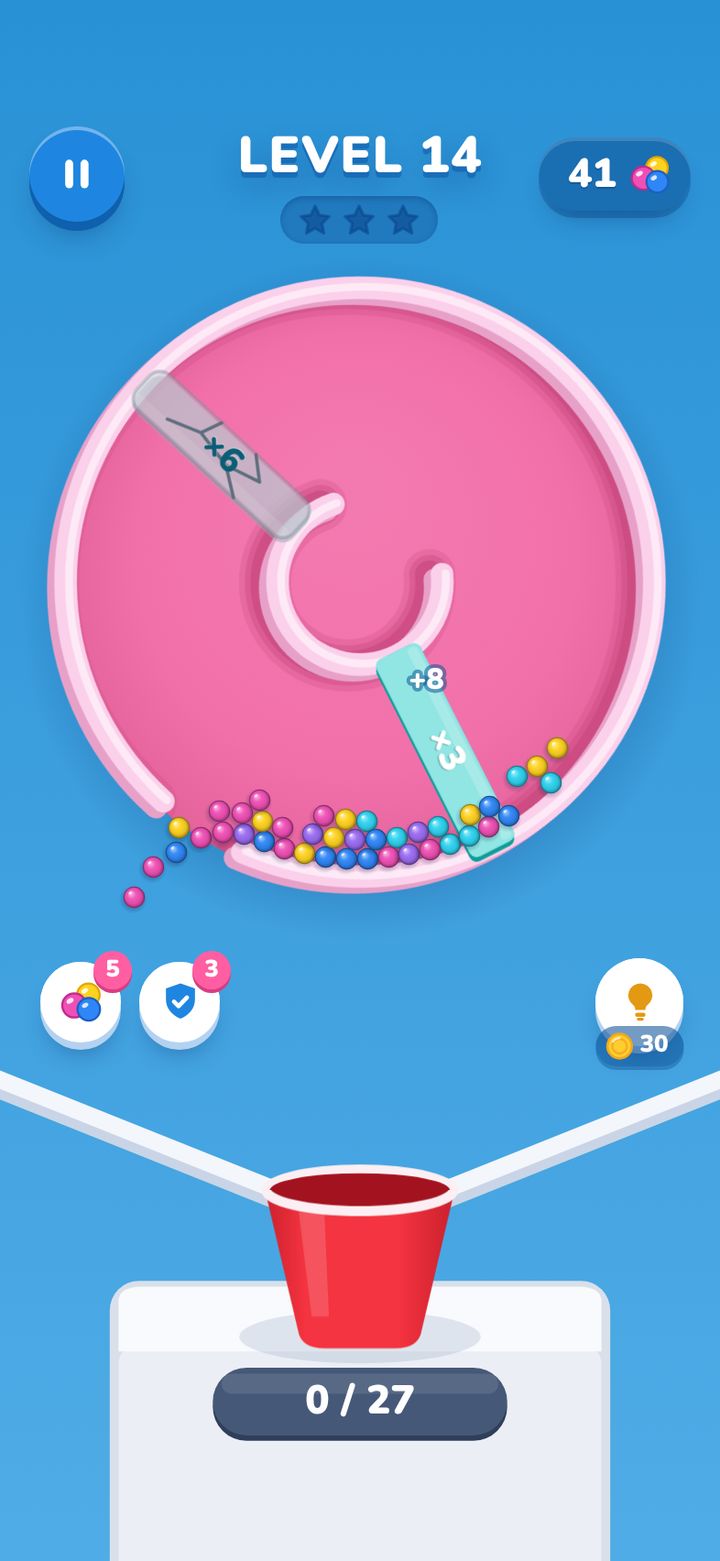
Two real levels from the game, right here. Drag around the maze to turn it.
The demo needs touch, a mouse or a trackpad. Nothing you do here is saved or sent anywhere.
Then it starts to think back
From level 4, new pieces change the question from how fast to in what order.
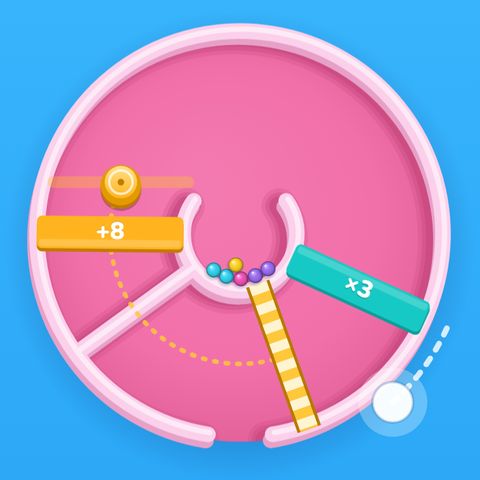
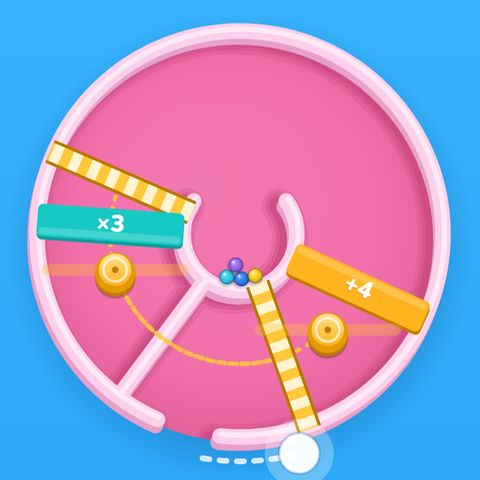
Plus gate & detour
Add first, multiply after. Fetch it, then come back.
Button + door
Roll a ball over the button
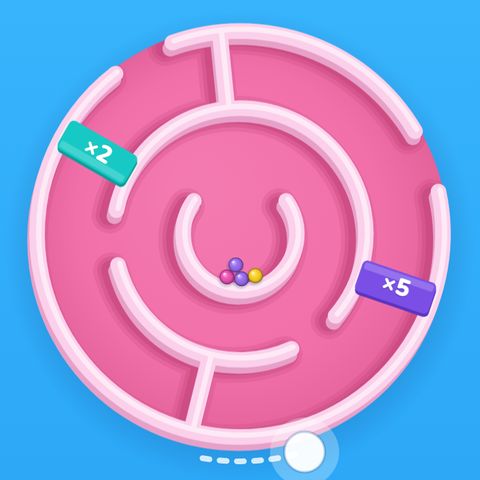
Fork
Two gaps: think one ring ahead
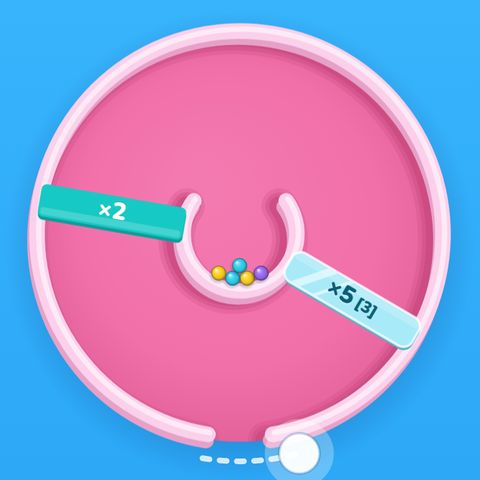
Glass gate
It breaks after a few balls
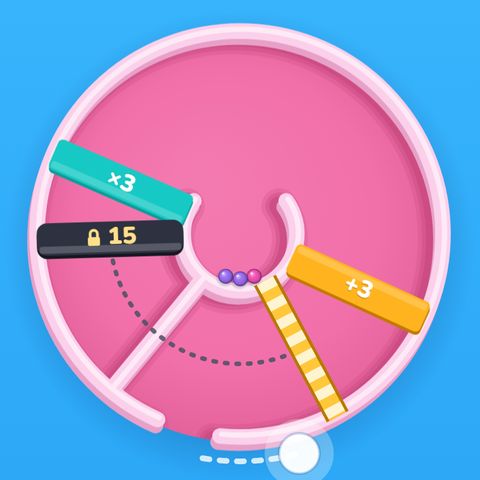
Number lock
Bring enough balls to open it
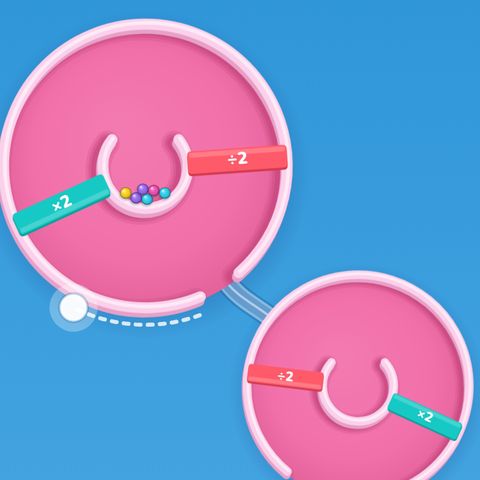
Relay
The top maze fills the bottom one - touch a disc to turn it
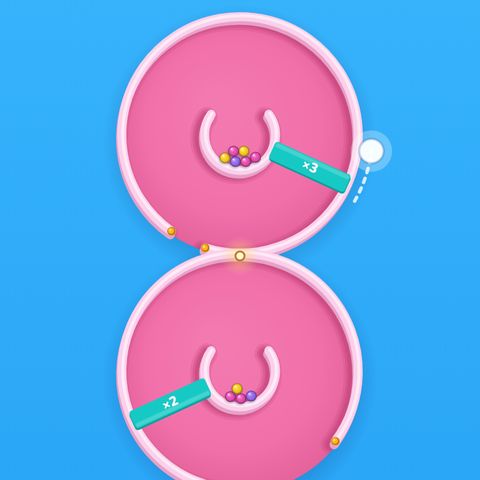
Kissing discs
Line up the two doors
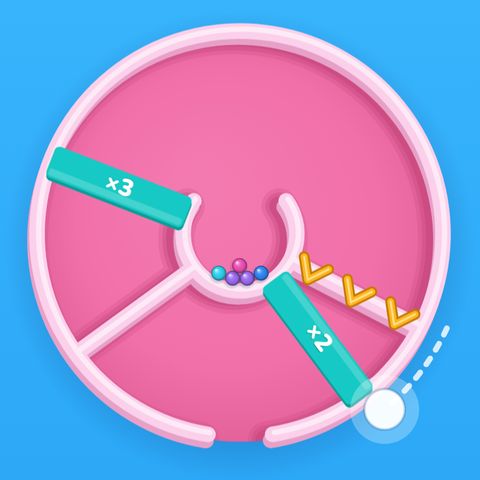
One-way flap
No way back
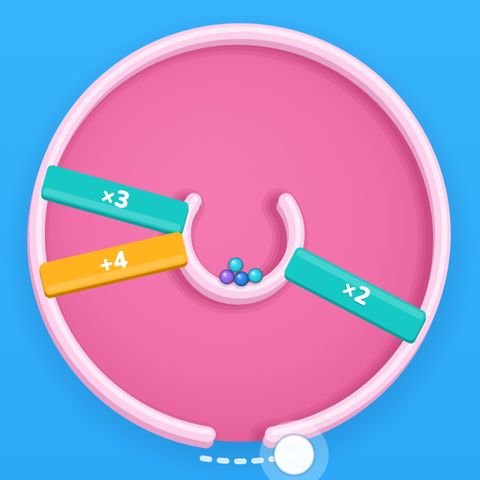
Just-right cup
Not too many!
15 worlds, 300 levels
A boss every 10th level. Every world has its own colours and its own signature piece.
- Sky GardenLevels 1-20
- Kissing CloudsLevels 21-40
- Lagoon LocksLevels 41-60
- Glass CanyonLevels 61-80
- Fork ForestLevels 81-100
- Button BayLevels 101-120
- Flap FallsLevels 121-140
- Just-right DunesLevels 141-160
- Twin PeaksLevels 161-180
- Gear WorksLevels 181-200
- Tower HeightsLevels 201-220
- Ratchet RidgeLevels 221-240
- Deep SpaceLevels 241-260
- Crystal CoreLevels 261-280
- Grand FinaleLevels 281-300
Made to be picked up
Lessons that come with the pieces
Every new piece is introduced on its first level with a one-line caption. If you skip ahead, an optional quick lesson shows it first.
Hints when you are stuck
A hint shows the next move. Pay with coins, or watch an optional video.
Extra Balls and Shield
Two boosters: add more balls to the maze, or switch on a shield against the red gates.
Skins and chests
Collect ball skins with coins. Chests hold coins and boosters, and boss levels end with a bigger one.
A world map
15 worlds, 300 levels and up to three stars on every level.
Plays offline, no account
No sign-in and no waiting for a connection. Ads and purchases need one.
See it fall
Every gate multiplies the balls 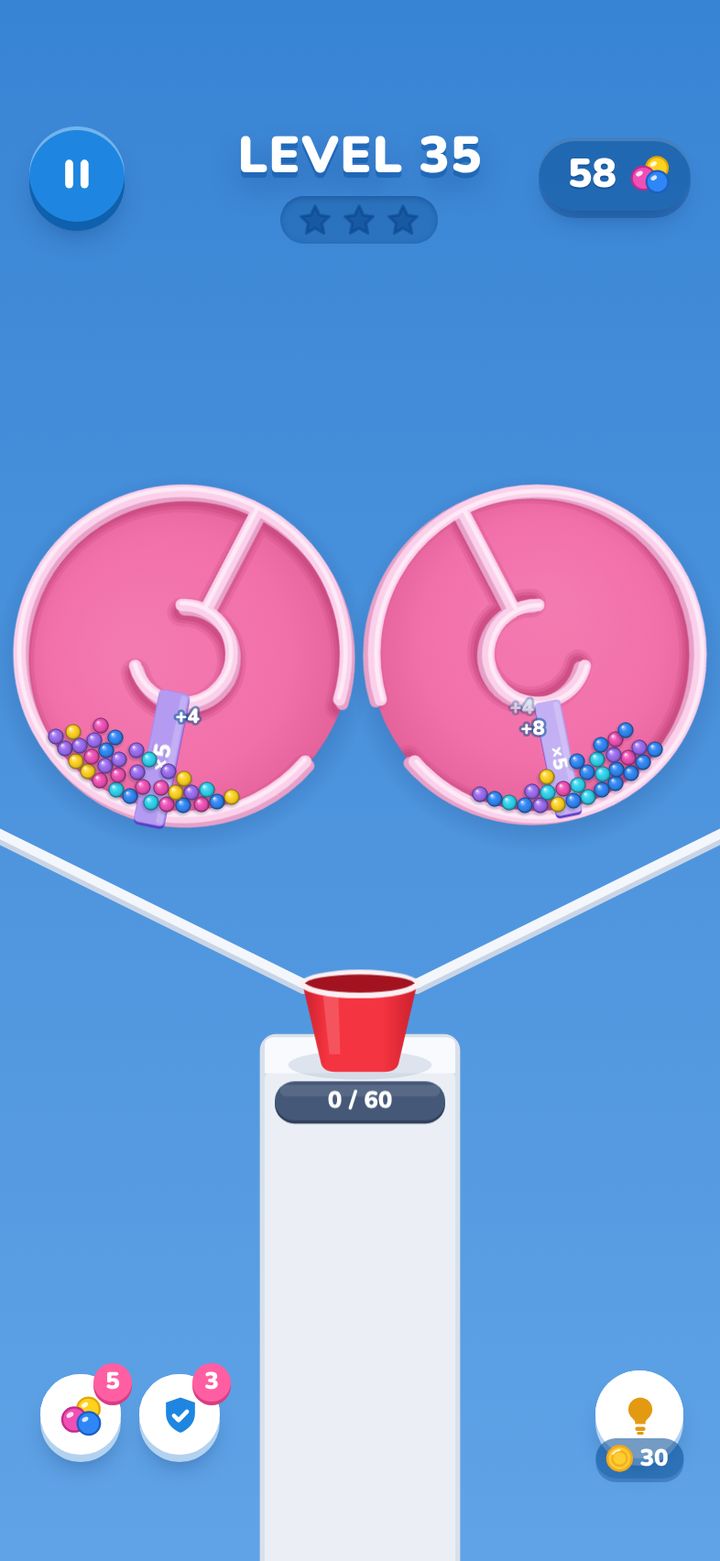
Twin mazes, big bursts 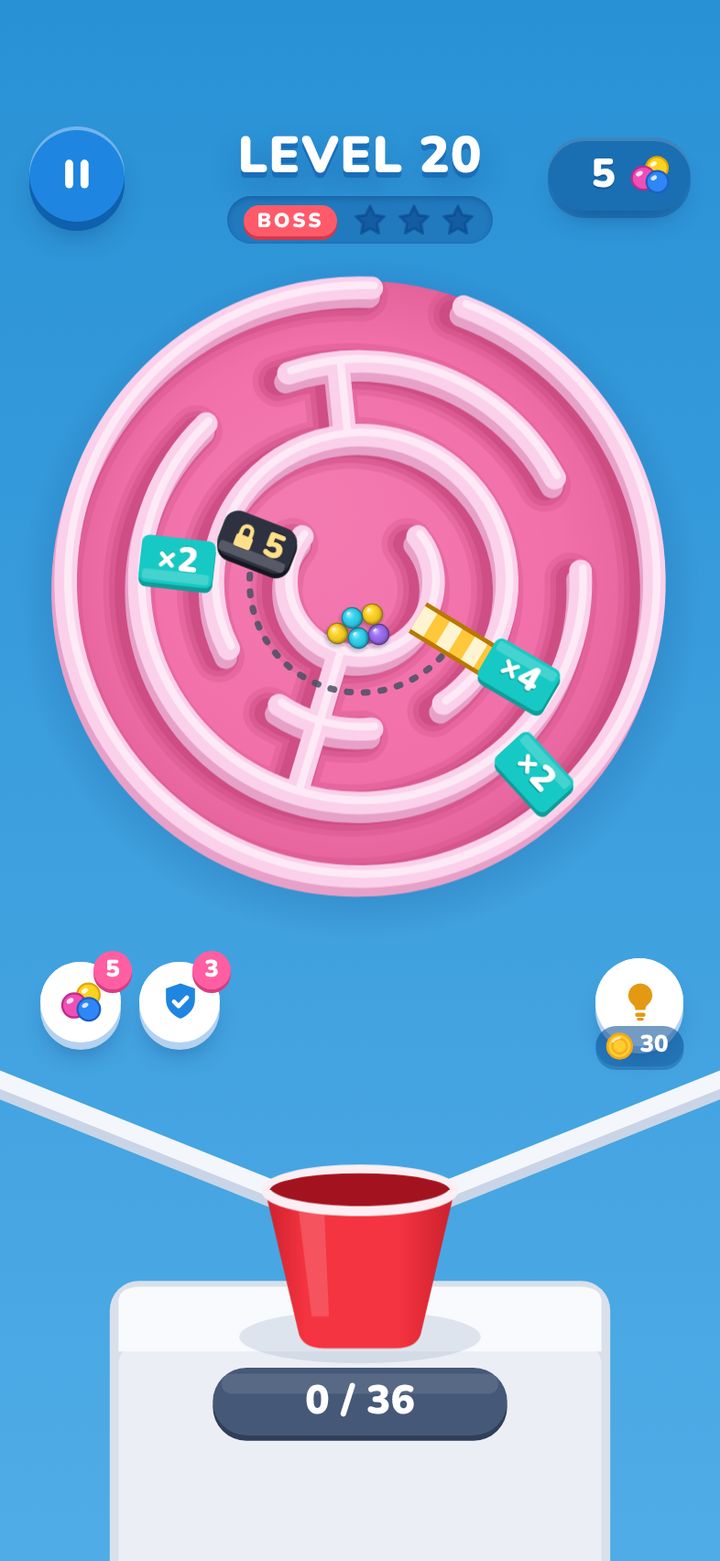
Boss levels: three rings 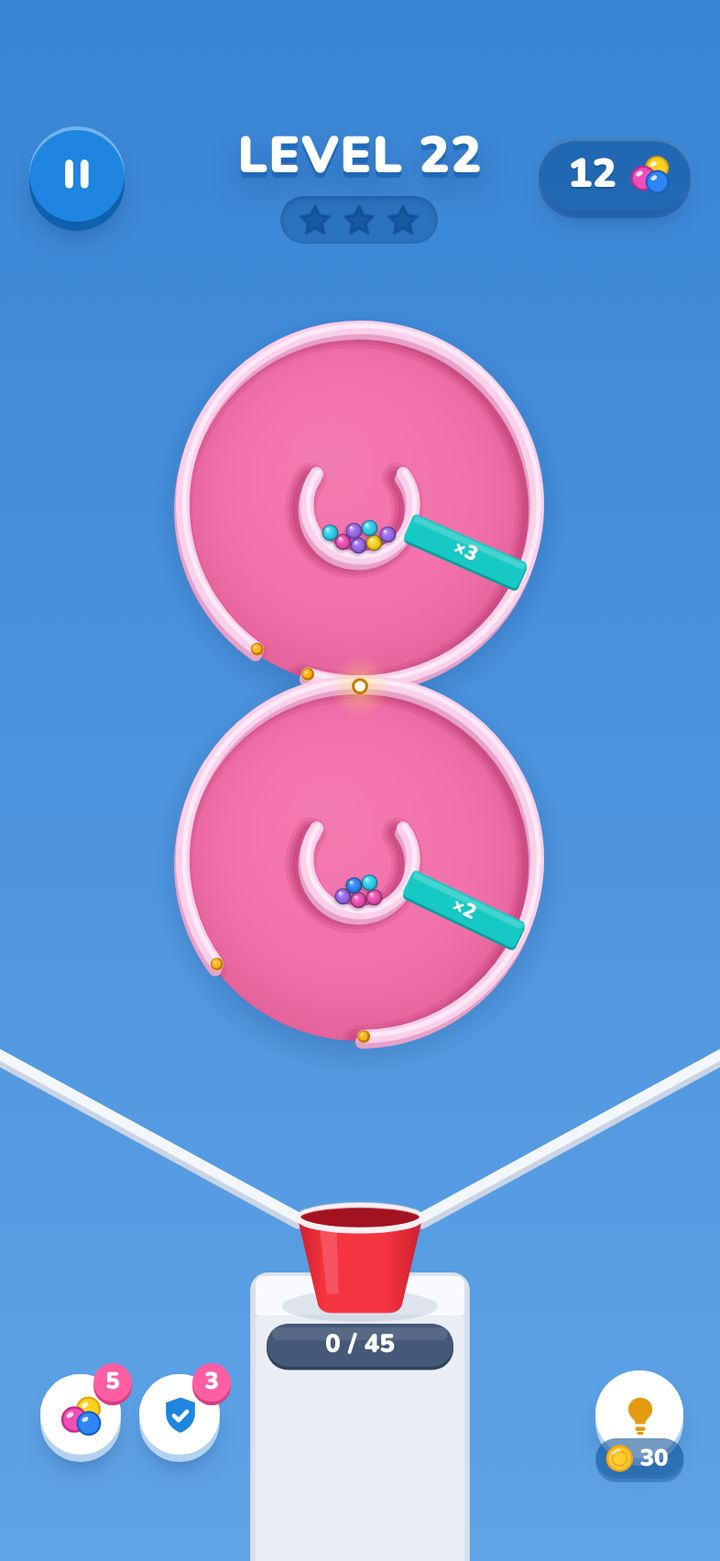
Two doors to line up 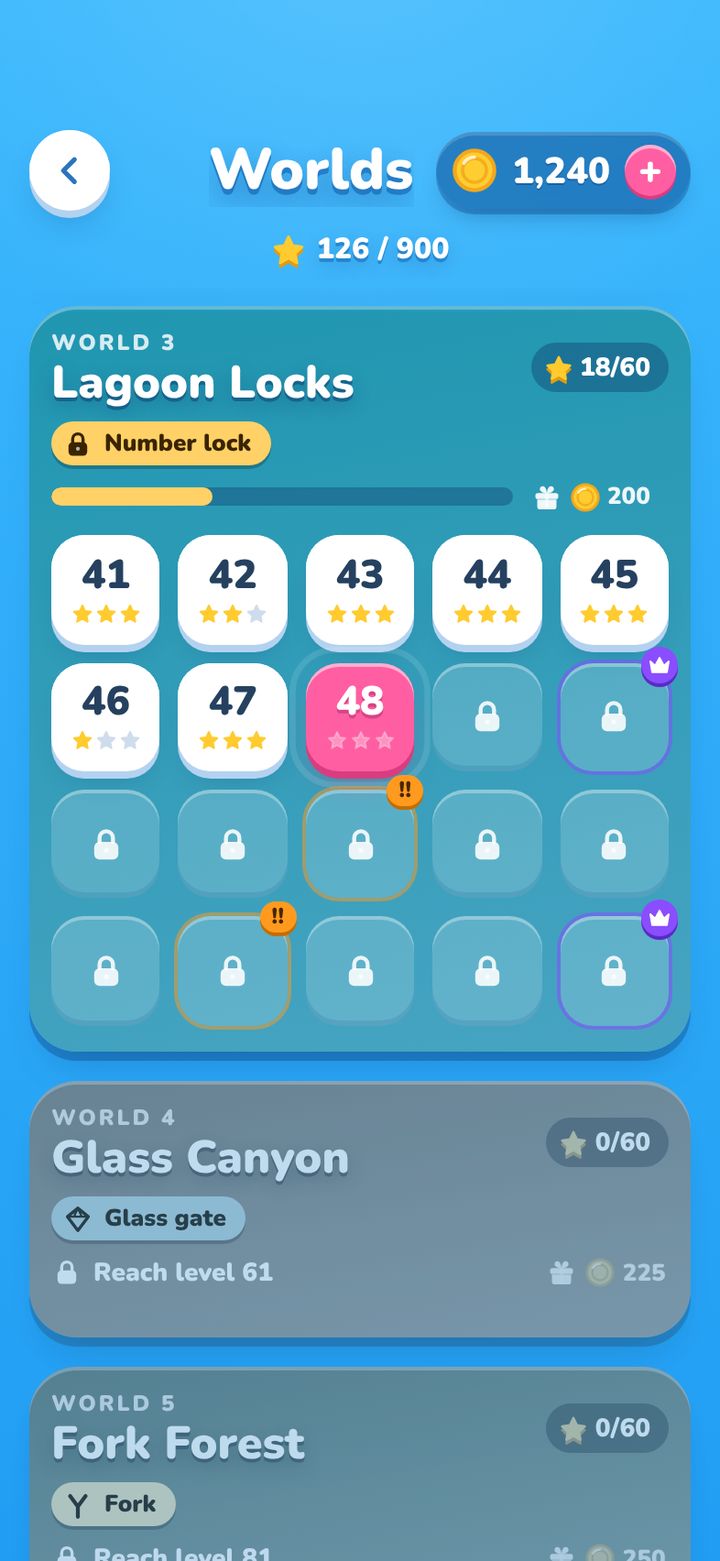
15 worlds to climb 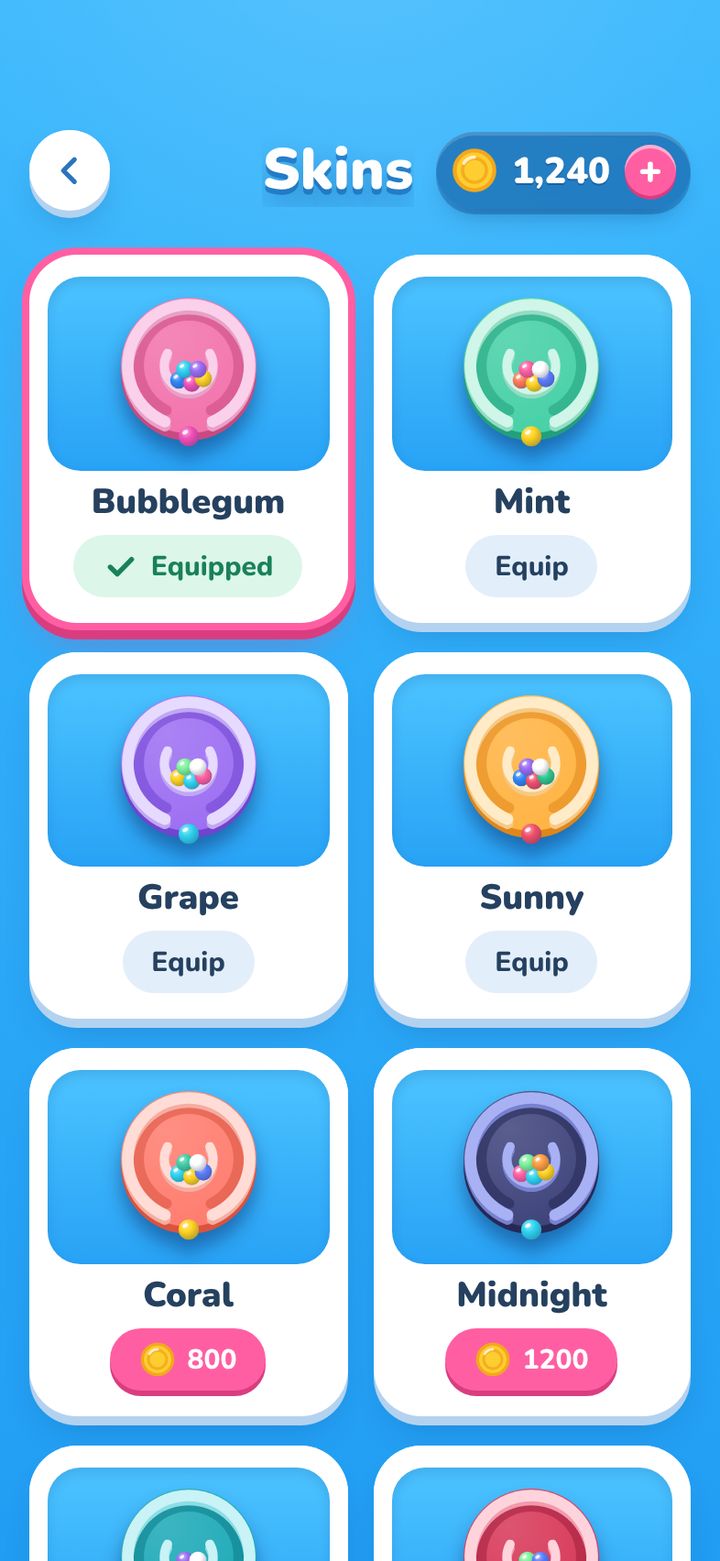
Skins to collect
Questions & answers
Is Spinfall free?
Yes. It is free to download and play. It is supported by ads: banners, ads between levels and short ads when you return to the app. You can also choose to watch an optional rewarded video for a hint or free coins. Optional purchases are coin packs, booster packs, a piggy bank, a starter pack and a one-time Remove ads. Remove ads stops the banner, between-level and app-open ads; the optional rewarded videos stay.
Do I need an account or an internet connection?
No account, e-mail or sign-in. Spinfall plays offline. Ads and purchases need a connection.
Where is my progress saved?
On your device only. There is no account, so progress cannot move to a new phone, and uninstalling the app erases it. Remove ads belongs to your Apple ID or Google account and can be restored.
When and where can I play it?
Spinfall is coming soon to iPhone (App Store) and Android (Google Play).
What age is Spinfall for?
Spinfall is for players aged 13 and over. It is not directed to children under 13.
Which languages are supported?
English for now.
How do I restore purchases?
Open Settings (the gear on the home screen) and tap Restore purchases. It brings back Remove ads, including when it came with the starter pack, using the same Apple ID or Google account. Coin, booster and piggy bank purchases are used up in the game and cannot be restored. The row appears when the store is available.
Ready to spin?
Free for iPhone and Android. Coming soon.